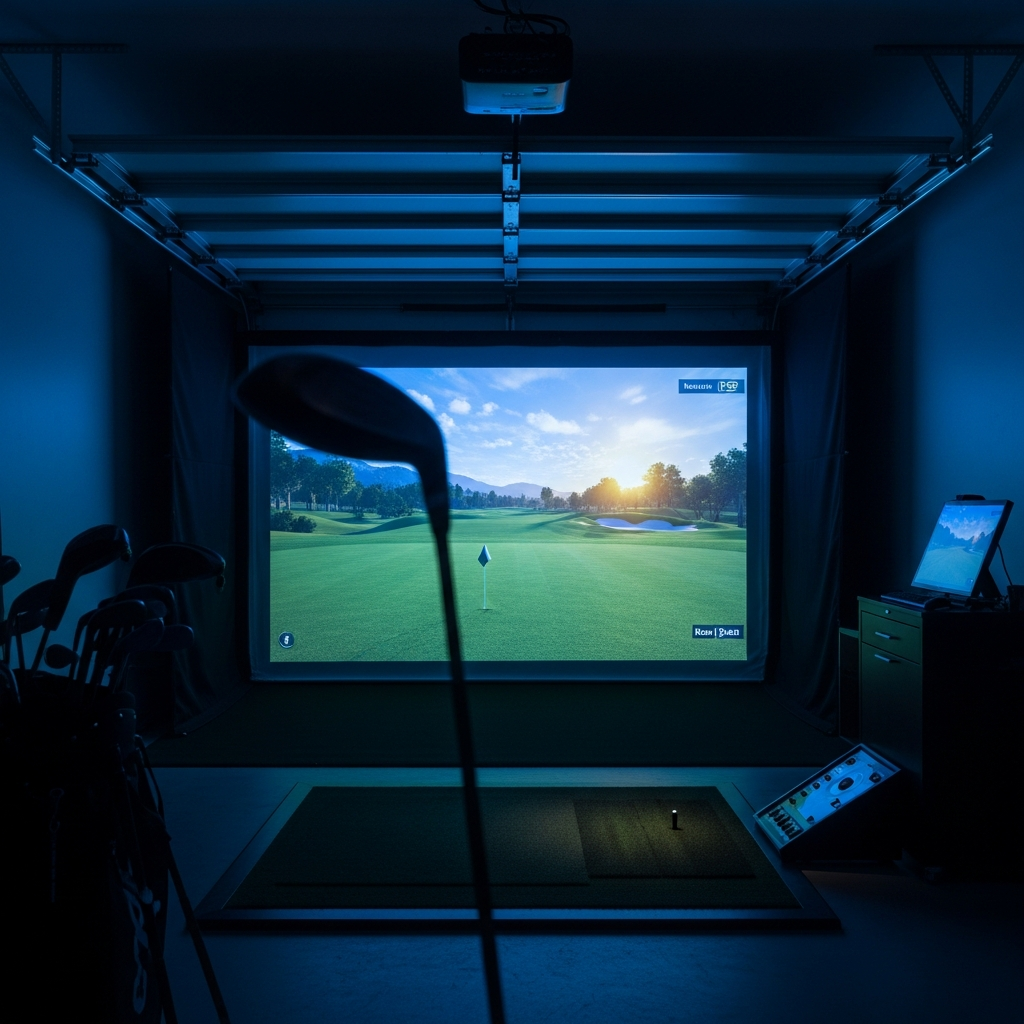
Alright, let's talk about "free" golf simulator software. Sounds like a dream, doesn't it? Like finding a brand new Pro V1 in the rough – almost too good to be true. And usually, when something sounds too good to be true in golf, it probably has a nasty slice or requires a membership fee that'll make your eyes water.
I'm Mack, a 12-handicapper who spent way too much time (and just enough money) building a simulator bay in my garage. I've been down the rabbit hole of trying to save a buck, and let me tell you, "free" in the golf sim world often means "free to disappoint."
So, you're looking for free software? Let me break it down. There are two main types of "free" you'll encounter, and neither is quite the pot of gold at the end of the rainbow you might be hoping for:
- "Free" Software Bundled with Paid Hardware (or a Free Basic Tier): This is the most common. You buy a launch monitor for anywhere from $600 to $5,000, and it comes with a basic app or a few free courses. It's "free" like the air conditioning is "free" when you buy a new car. You still bought the car.
- Truly Free, Community-Driven, or Open-Source Projects: Think OpenGolfSim or rudimentary ball flight calculators. These are often passion projects, highly experimental, and require a serious DIY spirit and technical know-how. This is where the real "free" lives, but it comes with its own set of challenges.
Let's dive into what you actually get and what it'll cost you in the long run.
The "Free" Landscape: A Quick Look
Here’s a comparison of what you get for "free" with some popular launch monitors, and then we’ll talk about the truly free stuff.
| Software/Hardware Combo | "Free" Offering | Key Limitations | Associated Hardware Cost | Mack's Quick Take |
|---|---|---|---|---|
| Garmin Approach R10 | Garmin Golf App (10 courses, driving range), E6 Connect Basic (5 courses) | Basic graphics, limited course selection, no advanced data on free tier | ~$600 | Best entry point for some free course play. Good value, but don't expect premium sim experience without upgrades. |
| SkyTrak+ (and original) | SkyTrak Play & Practice app (driving range, skill challenges) | No course play whatsoever on the free tier. Purely for practice. | ~$2,000 - $3,000 | Fantastic launch monitor for data, but the "free" software is just a teaser. You will pay for courses. |
| FlightScope Mevo+ (and original Mevo) | FS Golf App (driving range, data), E6 Connect (5 courses for Mevo+, 1 for Mevo) | Limited courses for Mevo+, even less for original Mevo. Requires more space than SkyTrak. | ~$2,000 - $5,000 | Great data, but like SkyTrak, the free courses are just a sample. You'll need subscriptions for real variety. |
| OpenGolfSim (and DIY) | The software itself is free. | Requires significant technical skill, hardware sourcing, calibration, and patience. | ~$100s - $1000s (DIY) | Truly free software, but you're building the sim yourself. High effort, variable accuracy, massive learning curve. Not for the faint of heart. |
Deep Dive: Category 1 - "Free" Bundled with Hardware
This is where most people look first, and it's what manufacturers want you to focus on when they talk about "free."
Garmin Approach R10: The Budget Gateway
Look, if you're dipping your toes into the sim world and your budget is tighter than a two-dollar shoe, the Garmin R10 is probably your first stop. It costs around $600.
What you get for "free":
- Garmin Golf App: This comes with 10 courses and a pretty decent driving range mode. It's basic, no frills, but it works. You can track your shots, see some data, and get a feel for what a sim is like.
- E6 Connect Basic: This is a neat bonus. You get access to 5 courses on E6 Connect for iOS (and some on PC if you buy the E6 subscription later). These are real courses, even if it's a small selection.
Mack's Take: The R10 is a marvel for its price. Seriously. For six hundred bucks, you get a portable launch monitor that gives you ball speed, club speed, launch angle, and decent carry numbers. The free courses are a huge selling point. I recommend it to buddies all the time if they just want to hit balls in the garage on a budget.
The catch? It's not perfect. It needs space – about 8 feet from the ball to the net, and another 8 feet from the R10 to the ball. So, you're looking at a minimum of 16 feet of room depth. My garage is 20 feet deep, so it fit for me, but if you're in a smaller space, forget it. The data isn't always Tour-level accurate, especially spin, and it can struggle with certain shots or if your alignment is off. The graphics on the free Garmin courses are... well, they're golf courses. Don't expect Augusta National on your iPhone screen.
Who Should NOT Buy This (for "free" software reasons):
- The Serious Course Player: If you dream of playing Pebble Beach, St. Andrews, or hundreds of other courses, those 10-15 free courses will get old fast. You'll be ponying up for a Garmin Home Tee Hero subscription ($99/year) or an E6 Connect subscription (starting around $300/year for PC) pretty quickly.
- The Data Nerd: The R10 provides good