Alright, let's talk sim builds, specifically the kind that won't require you to sell a kidney or take out a second mortgage. You're probably here because, like me, you looked at some of those "dream sim" setups online, saw the $30,000+ price tags, and thought, "There's no way I'm dropping that kind of cash just to slice it into a screen instead of the woods."
Good news: you don't have to. You can absolutely get a fantastic, functional golf simulator that feels like a real setup without breaking the bank. My own garage bay, which I've tinkered with and upgraded over the last couple of years, landed me somewhere around the $7,500 mark initially, and it performs great. But let's be real, I made some mistakes along the way that I'll share so you don't have to. The key isn't finding the cheapest thing for every component, it's finding the best value that meets your needs.
The Core Components: Where to Spend, Where to Save
Building a budget sim isn't about cutting corners on everything; it's about smart allocation. Here's how I think about the main pieces:
1. The Launch Monitor: Your Sim's Brain (Don't Skimp Here)
This is the most critical piece of your setup. It's the data engine, the soul of your simulator. My advice? Don't go too cheap here, or you'll regret it. Accuracy and consistency are paramount.
- The "I'm Serious About Data but Still on a Budget" Pick: Bushnell Launch Pro / Foresight GC3 (Used)
- Price: ~$2,500 - $3,500 for a used Launch Pro with perpetual unlock, or a few hundred more for a GC3 if you can find one. New, they're around $4,000-$5,000.
- Why: These are camera-based, photometric monitors. They're incredibly accurate, especially indoors, and read club data directly. You get ball speed, launch angle, backspin, sidespin, clubhead speed, attack angle, path, and face angle. That's a ton of actionable data. If you can snag a used Launch Pro with the "Gold" perpetual unlock (which means you don't need a subscription for all data parameters), you've hit the jackpot.
- The "Best Bang for Your Buck" Pick: Garmin Approach R10 or Rapsodo MLM2Pro
- Price: Garmin R10: ~$500-$600. Rapsodo MLM2Pro: ~$700.
- Why: These are Doppler radar-based units that sit behind the ball. For their price, they offer incredible value. The MLM2Pro, in particular, gets pretty close to high-end units for ball data, and it adds club path and face angle with special Callaway Chrome Soft X RCT balls (which you'll need to factor into your budget).
- Mack's Take: I started with a cheaper unit, not even one of these, and the inconsistent reads drove me nuts. I upgraded to a used Launch Pro, and it was a game-changer. If you want a real sim experience, the R10 or MLM2Pro is the absolute floor. Anything less and you're just hitting balls into a net with a guess.
2. The Impact Screen & Enclosure: Where the Magic Happens (DIY Saves Big)
This is where you hit the ball and project the image. You can blow a ton of money here, or you can be smart about it.
- Budget Screen Material:
- Prices: ~$200-$500 for a raw piece of high-quality screen material (e.g., Carl's Place Preferred or Premium) cut to your specs.
- Why: Buying just the screen material and framing it yourself is significantly cheaper than a pre-built enclosure. My screen is 10ft wide by 8ft high. If your ceilings are 9ft, you'll want to go max height.
- DIY Frame:
- Prices: ~$150-$300 for EMT conduit and connectors.
- Why: EMT (electrical metallic tubing) from your local hardware store is sturdy, relatively cheap, and easy to cut and assemble into a frame. You'll need a pipe cutter and some fittings (like those from Carl's Place or a similar supplier).
- Mack's Mistake: My first "net" was a cheap Amazon special. It barely lasted a month before a well-struck 7-iron blew right through it. Learn from my mistake: a proper impact screen is designed for this. You want something that will take repeated impacts without tearing or developing holes.
- Enclosure Sides/Top:
- Prices: ~$50-$150 for blackout fabric or moving blankets.
- Why: You need to contain errant shots and darken the hitting area for better projector contrast. Old moving blankets or thick black fabric from a craft store work wonders and are super cheap.
3. The Projector: Making it Look Good (Used is Your Friend)
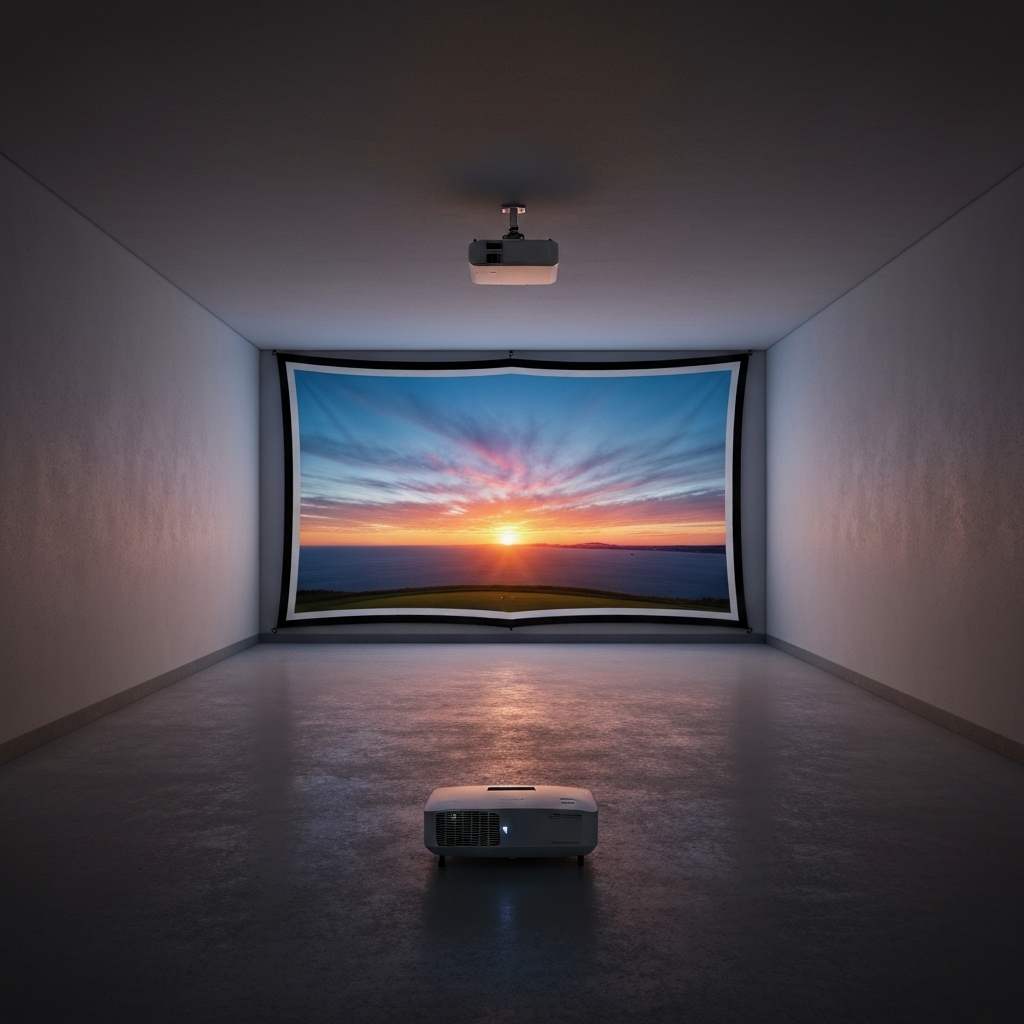
A projector brings your virtual course to life. Don't fall for the "gaming projector" hype unless you're rolling in cash.
- Key Specs:
- Brightness (Lumens): Minimum 2,000 lumens, but 3,000+ is much better, especially in a garage with ambient light. My first projector was too dim, and the image looked washed out. I upgraded to an Epson Home Cinema 3800 (around $1,000 new, but can be found for $600-$800 used).
- Resolution: 1080p (Full HD) is perfectly fine. 4K is nice but adds significant cost and isn't necessary for a great sim experience.
- Throw Ratio: This is crucial. It dictates how far the projector needs to be from the screen to fill it. For a sim, you generally want a "short throw" projector (throw ratio < 1.0) so you can mount it overhead, safely behind your hitting position, and avoid shadows.
- Budget Pick: Used Epson Home Cinema series (e.g., 2150, 2250, 3800).
- Price: ~$300-$800 on eBay, Facebook Marketplace, or local electronics shops.
- Why: Epson offers great brightness and often has flexible throw ratios. They're reliable and widely available used.
- Mack's Mistake: I initially went with a cheap "mini projector" off Amazon. It was terrible. Dim, blurry, and a pain to position. Had to replace it within a few weeks. Don't be that guy.
4. The Hitting Mat: Protecting Your Body (Invest Here)
This is non-negotiable for comfort and injury prevention. A cheap, thin mat will wreck your wrists, elbows, and shoulders.
- Budget-Friendly Quality:
- Prices: ~$200-$500 for a good quality 5x5ft or 4x5ft mat.
- Why: Look for mats with multi-layer construction or a thick, dense rubber base. Brands like Carl's Place (their "Dura-Pro" line) or "Fiberbuilt Grass Series" (even just a hitting strip within a DIY base) are excellent. Don't just get a cheap piece of turf.
- Mack's Mistake: My first mat was a thin, dense piece of cheap turf. Every fat shot sent a shockwave up my arms. After a few weeks, my elbow started aching. Switched to a thicker, softer mat, and the pain vanished. Your body will thank you.
5. The Computer/Software: The Brain (Used PC, Savvy Software)
You need a computer to run the simulation software, and the software itself can have ongoing costs.
- PC Specs:
- Prices: ~$500-$1,000 for a capable used gaming PC.
- Why: Most sim software (especially GSPro) isn't that demanding compared to cutting-edge gaming, but you still need a dedicated graphics card (Nvidia GTX 1660 Super or better, or an AMD equivalent), an i5/Ryzen 5 processor (8th gen or newer), and 16GB of RAM. Don't try to run it on an old office laptop; it will be choppy and frustrating. Look for used gaming PCs on Craigslist or Facebook Marketplace.
- Software (The Hidden Cost):
- Prices: $250-$500 per year for subscriptions.
- Why: This is often overlooked. Most launch monitors require a subscription for full software functionality or access to third-party software like GSPro.
- GSPro: ~$250/year. This is the community's darling. Incredible graphics, tons of user-created courses, and very active development. Highly recommended if your launch monitor supports it (most do).
- E6 Connect: Varies widely, often tied to your launch monitor. Can be $300-$600/year for limited courses.
- Foresight FSX Play/FSX Live: Often comes with a few courses, but more require subscription/purchase.
- Mack's Take: I started with the basic software that came with my unit, but the course selection was limited. GSPro changed everything. It felt like a massive upgrade for a reasonable annual fee. Factor this in from day one.
Real-World Specifics: Space, Safety, and Sanity
- Minimum space requirements:
- Height: This is the killer. 10 feet is ideal. You can make 9 feet work if you're not super tall and have a flat, compact swing (I'm 5'10" and 9ft is tight for driver). Anything less than 9ft, and you're asking for trouble or only hitting irons.
- Width: 10 feet is the absolute minimum for safety and decent projection. 12-13 feet is much more comfortable.
- Depth: 15 feet minimum from screen to back wall. This allows for your hitting mat, ball-to-monitor distance (if mat-based), and sufficient swing space.
- Retractability: My garage sim is mostly permanent, but I considered retractable. For a budget build, the added complexity and cost of a reliable retractable system (motors, tracks, custom screen) can easily add $1,000-$2,000. If you truly need your garage space back daily, it might be worth it, but be realistic about the cost. A simpler, manually retractable net or screen can be done cheaper, but it's more effort.
- Lighting: Good overhead lighting is crucial for camera-based launch monitors to pick up club data accurately. I added some cheap LED shop lights directly above my hitting area.
Who Should NOT Buy This
- You have less than 9 feet of ceiling height: Seriously, don't do it. You'll either hit the ceiling, restrict your swing, or injure yourself. Wait until you have proper space.
- You only play golf once a month: The upfront cost and ongoing subscriptions won't be worth it. Go to a commercial sim or the driving range.
- You expect PGA Tour-level precision from a sub-$5,000 setup: While budget sims are great, they're not $30,000 trackman systems. Manage your expectations. The data will be good enough to improve, but don't nitpick every single decimal point.
- You're completely anti-DIY: While you can buy everything pre-made, the biggest budget savings come from assembling parts yourself. If you're not comfortable with a drill, a pipe cutter, or connecting cables, your budget will increase significantly for installation or pre-built solutions.
- You don't have a dedicated, climate-controlled space: A cold, dusty garage in winter or a sweltering one in summer will quickly diminish your enjoyment